

Important
Originally built for a game made by a friend Delivery & Beyond, not really intended for public use. But after thinking about it, figured I'd share it anyway. Some stuff is still hardcoded for the game, but eventually I want to turn this into a proper plugin.
Important
Single camera only! Should be your main player camera and be marked with the MainCamera tag!

Package Manager > Add Git URL:
https://github.com/edunad/FailCake.VISOcclusion.git?path=/com.failcake.vis.occlusion
- Compute shaders for fast visibility checks. No Jobs! All calculations done on the GPU side.
- Works with 2D and 3D portals (3D just does frustum culling, 2D does the full visibility check)
TODO: Add sample scene
- Add the VISOcclusion render feature to your scriptable renderer

- Make a GameObject with
VISControllerscript. This handles all the room show/hide logic.


- Create another GameObject with
entity_vis_room,entity_vis_testand aBoxCollider(set to trigger). Theentity_vis_testis just an example script showing how to handle room visibility.

- Add a GameObject with
entity_vis_portal_2d. Put it where your doorway is and link it to the room on the right side.

- DONE
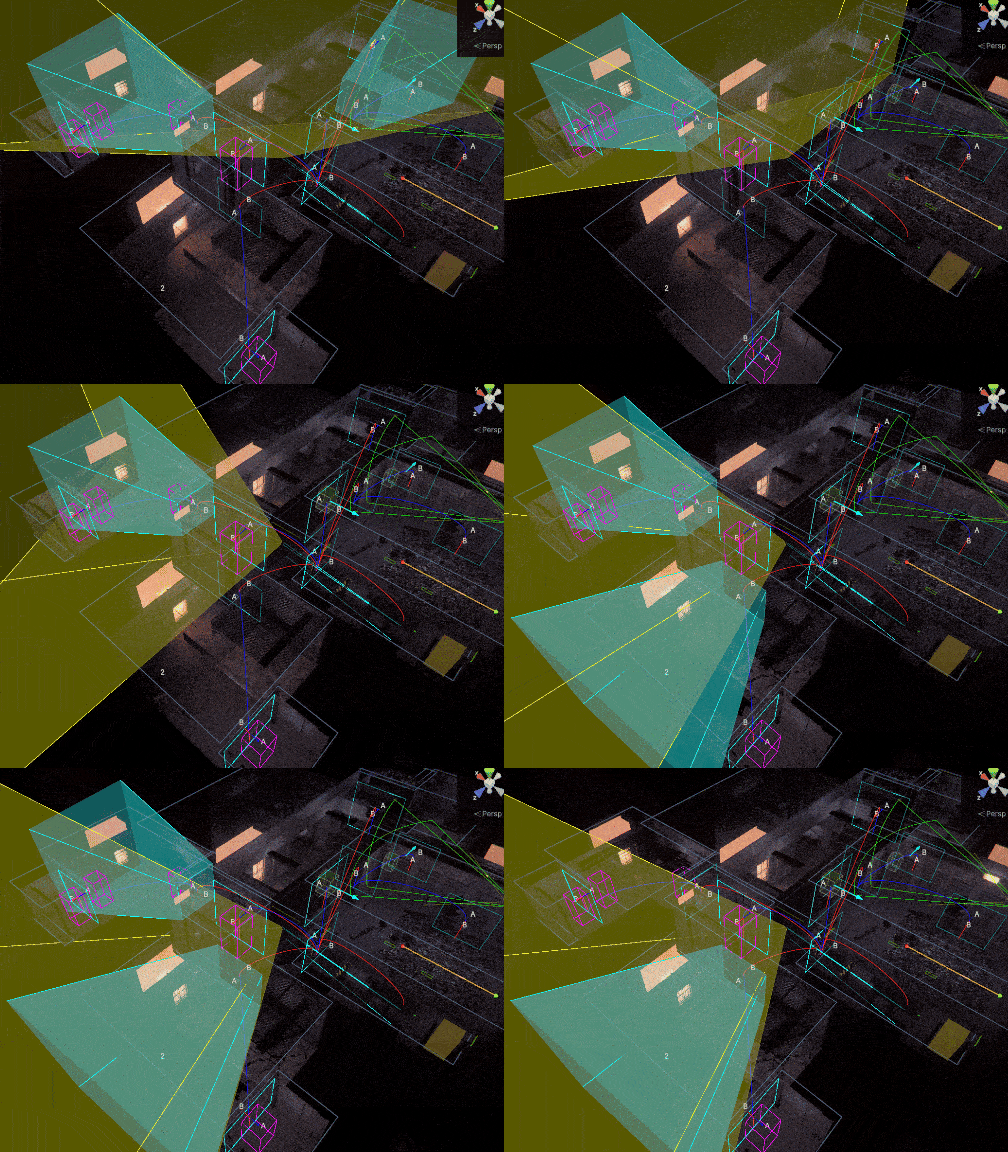
If stuff isn't working, turn on DEBUG mode in VISController to see the portal occlusion visualization.