

A web-based manga creation tool with AI image generation support. Create professional manga pages directly in your browser.
Try the Demo - No installation required!
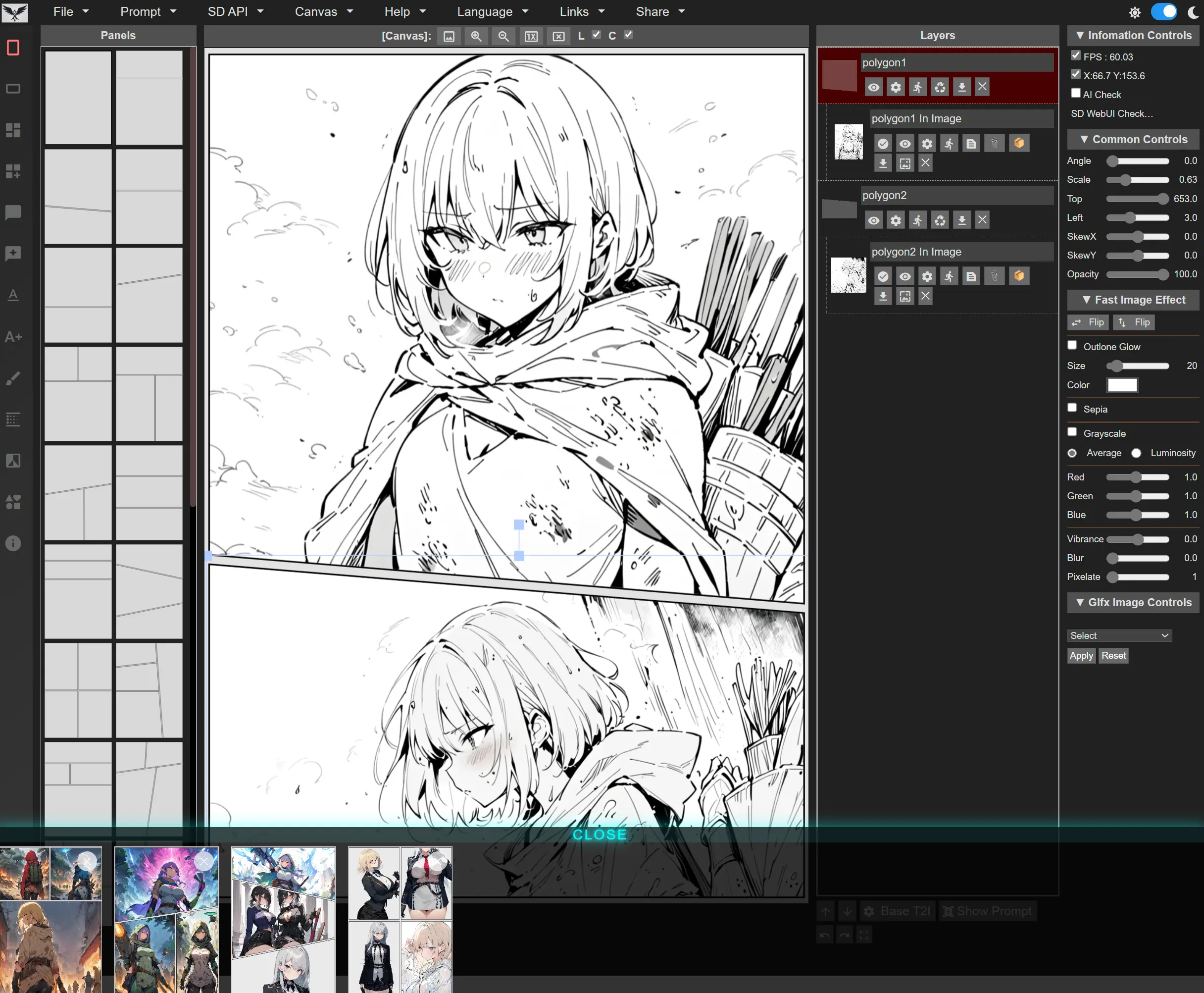
- Features
- Quick Start
- Requirements
- AI Image Generation Setup
- Keyboard Shortcuts
- Gallery
- FAQ
- Support
- License
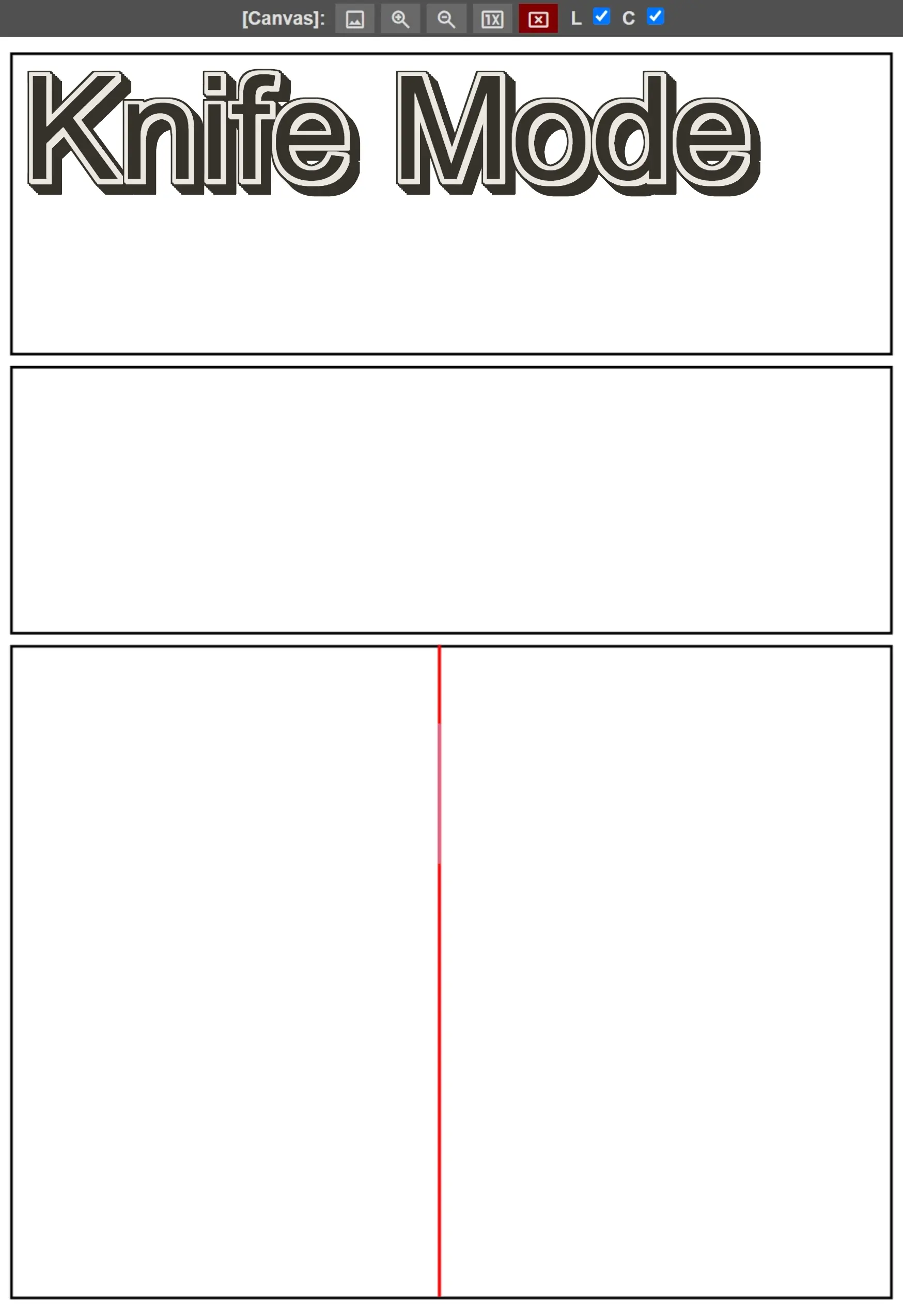
- Panel Layouts - Pre-built templates and custom panel creation with knife tool
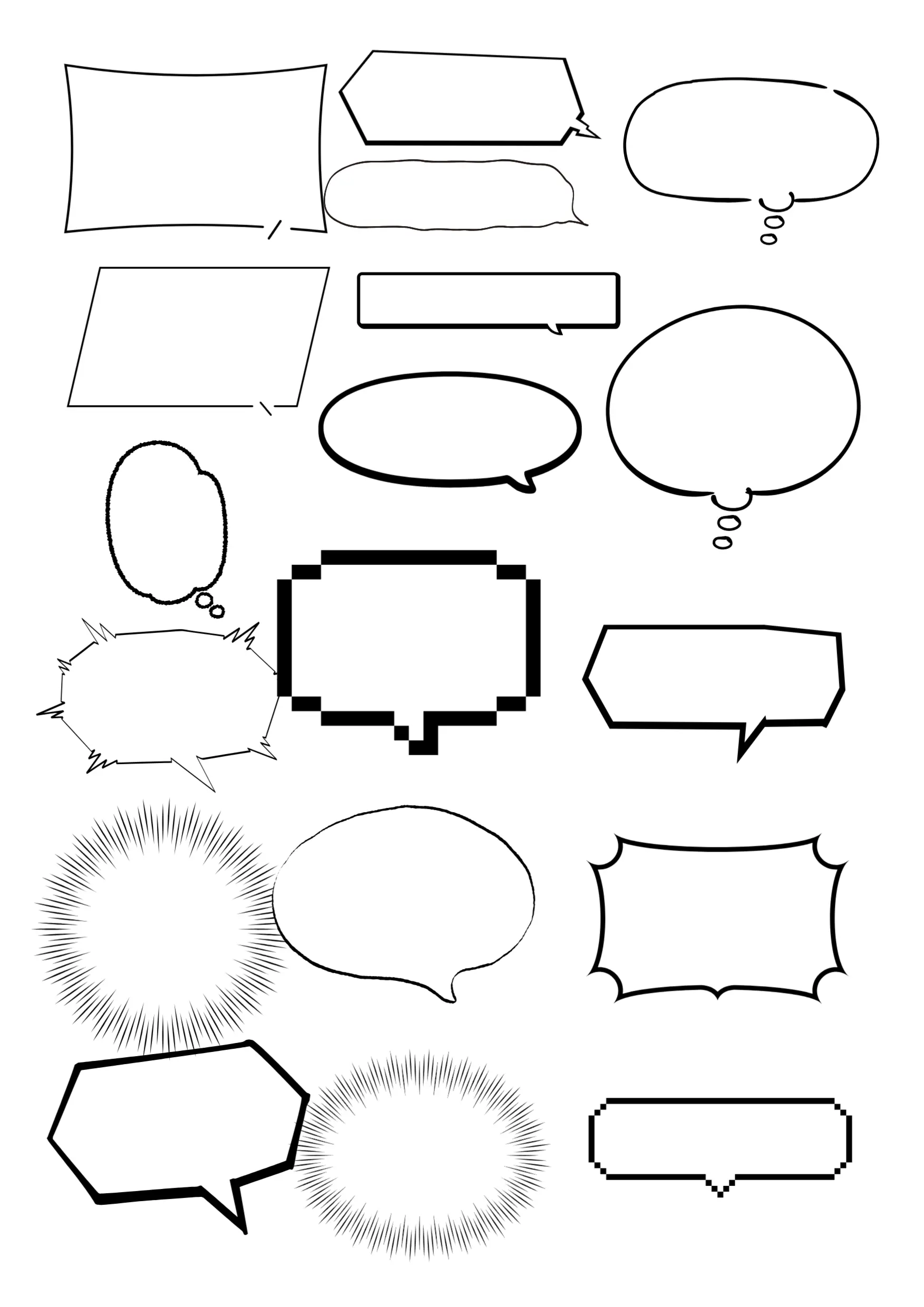
- Speech Bubbles - 40+ styles with customizable colors and transparency
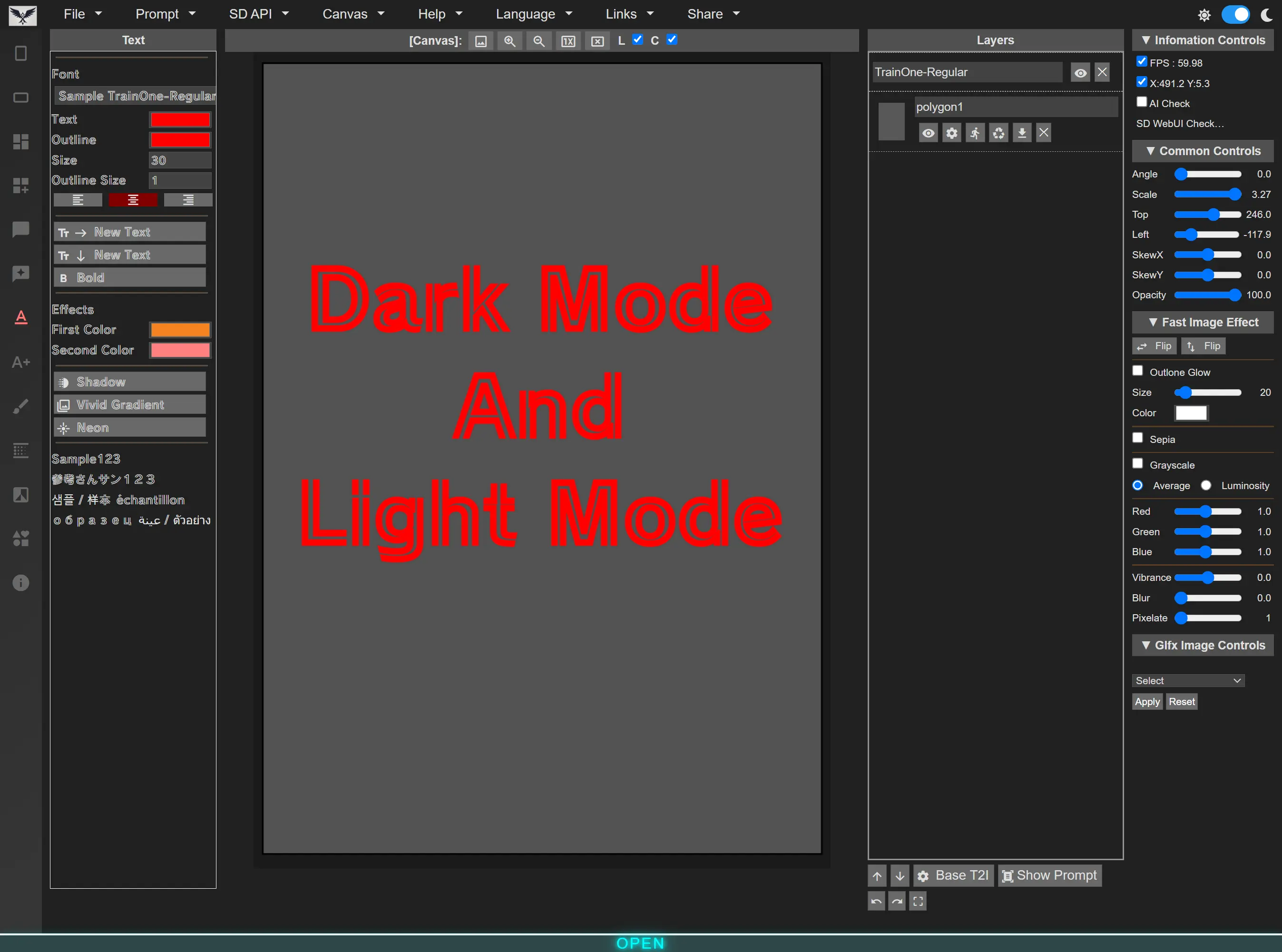
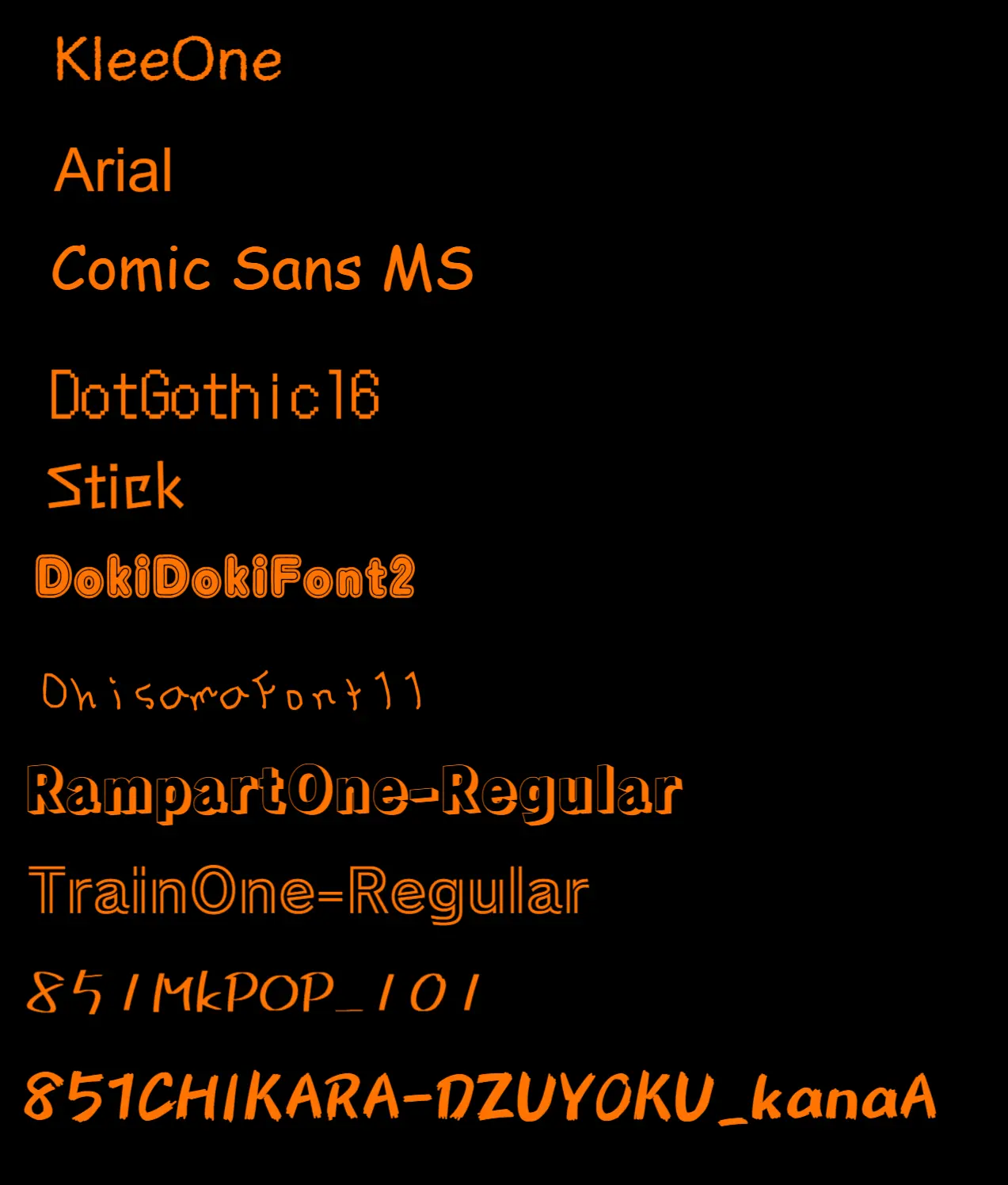
- Text Tools - Vertical/horizontal text, manga fonts, shadows, outlines, neon effects
- Layer Management - Organize images, text, and panels with familiar layer controls
- Undo/Redo - Full history support for all editing operations
- Auto-Fit - Images automatically scale and trim to fit panels
- Adjustments - Rotation, position, scale, flip horizontal/vertical
- Effects - Sepia, grayscale, blur, pixelation, gamma, vibrance
- Advanced Effects - Unsharp mask, zoom blur, dot screen, hex pixelate, ink, hue/saturation
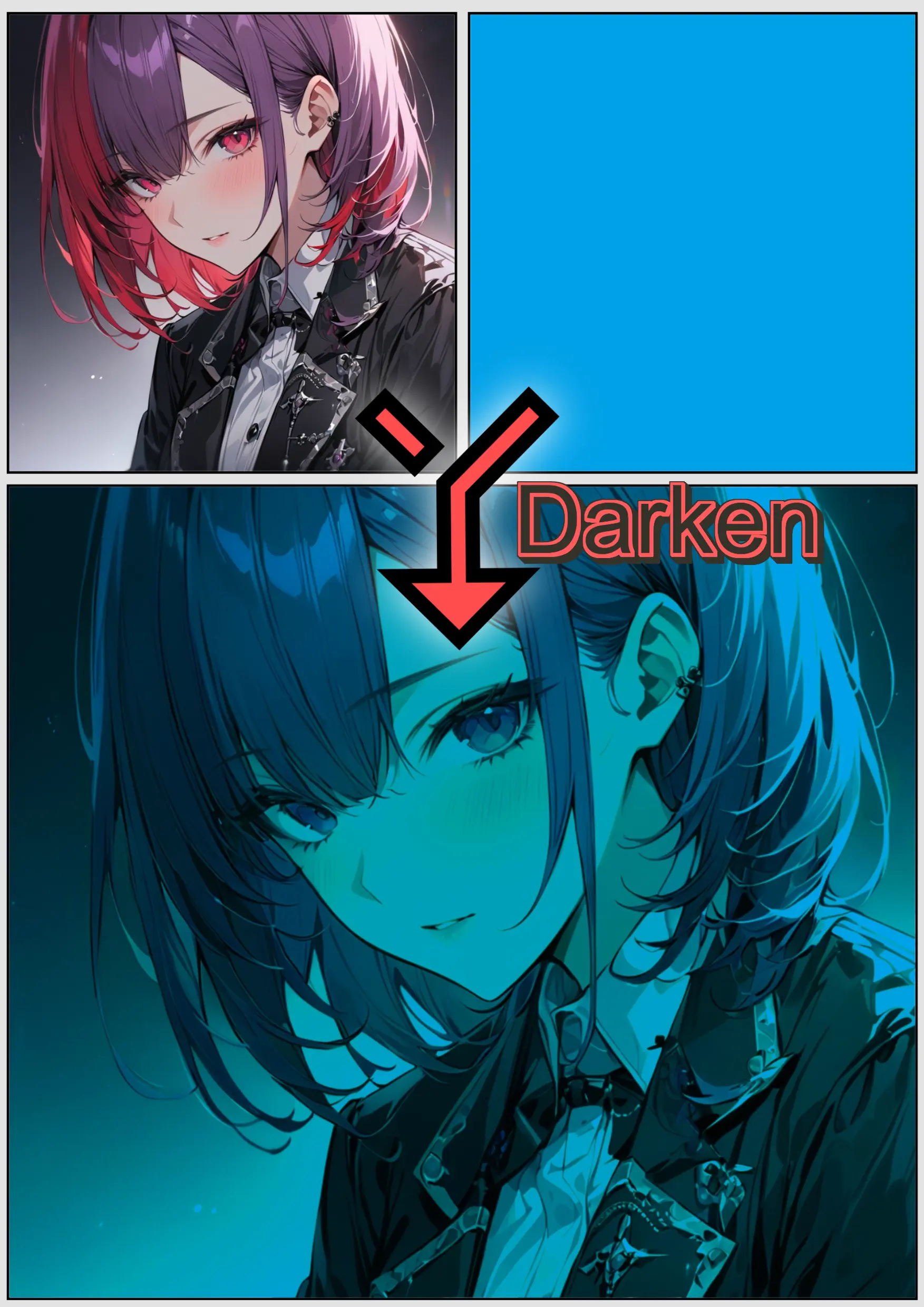
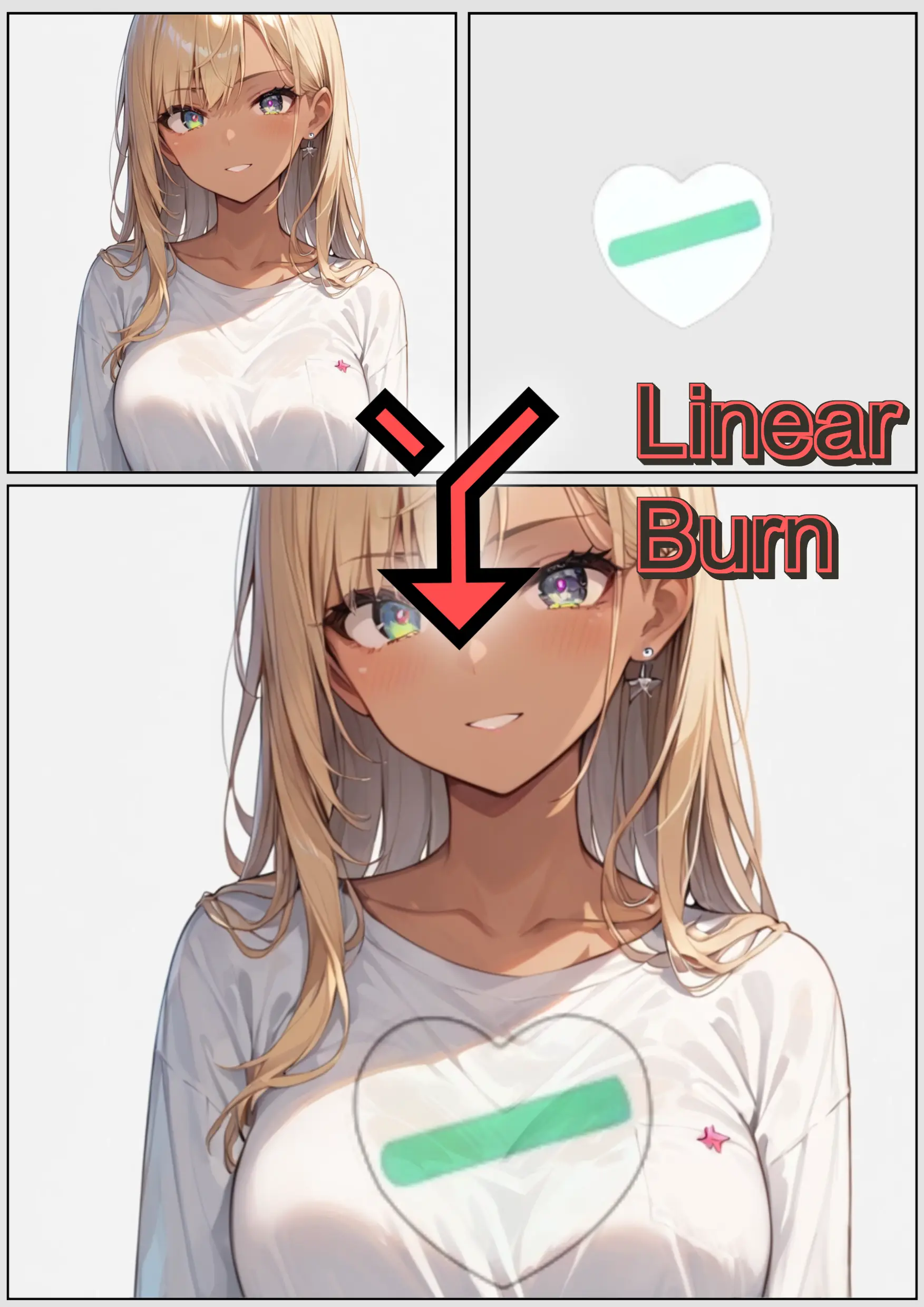
- Blend Modes - 25 Photoshop-style blend modes
- Tone Processing - Convert color images to manga-style tones
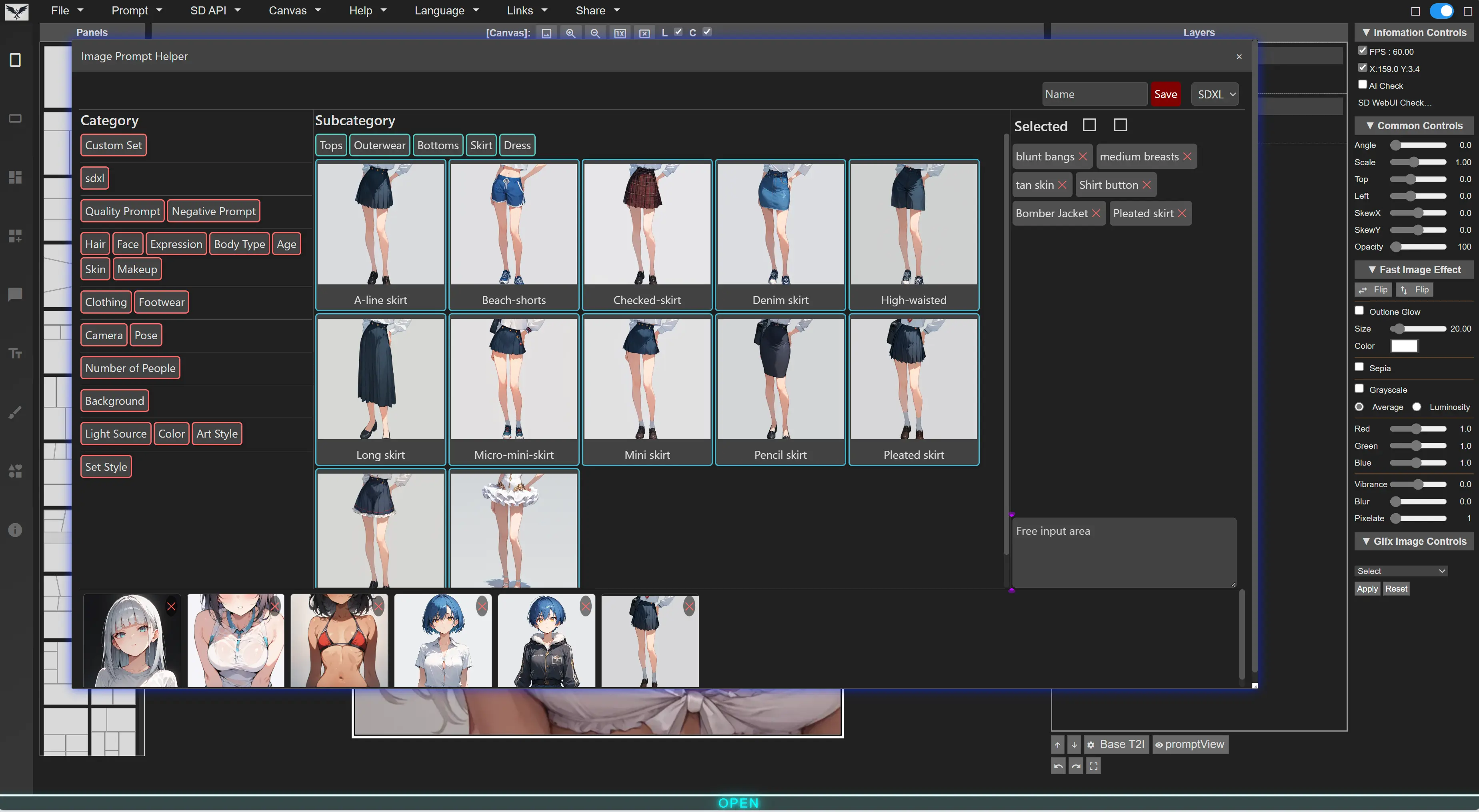
- Text2Image - Generate images directly in panels
- Image2Image - Transform existing images with AI
- Prompt Queue - Batch generate multiple variations
- Supported Backends:
- ComfyUI (SD1.5, SDXL, Pony, Flux1, Custom Workflows)
- A1111 WebUI (SD1.5, SDXL, Pony)
- Forge (SD1.5, SDXL, Pony, Flux1)
- Project Save/Load - Continue work anytime with
.jsonproject files - Settings Save/Load - Preserve your workflow preferences
- Image Export - Export pages for print or digital distribution
English, Japanese, Korean, French, Chinese, Russian, Spanish, Portuguese, Thai, German
Visit https://new-sankaku.github.io/manga-editor-desu/
No setup required. Works with all features including AI generation when connected to a local backend.
git clone https://github.com/new-sankaku/manga-editor-desu.git
cd manga-editor-desu
start index.html- Chrome (Recommended)
- Firefox
- Edge
- Safari
One of the following:
-
Start ComfyUI with API access enabled:
python main.py --listen --enable-cors-header
-
In Manga Editor, click the Settings icon
-
Select ComfyUI as the backend
-
Enter the API URL (default:
http://127.0.0.1:8188) -
Click Connect
-
Start WebUI with API access:
./webui.sh --api --cors-allow-origins=*Or add to
webui-user.bat:set COMMANDLINE_ARGS=--api --cors-allow-origins=* -
In Manga Editor, click the Settings icon
-
Select WebUI or Forge as the backend
-
Enter the API URL (default:
http://127.0.0.1:7860) -
Click Connect
| Action | Windows/Linux | Mac |
|---|---|---|
| Undo | Ctrl + Z |
Cmd + Z |
| Redo | Ctrl + Y |
Cmd + Y |
| Copy | Ctrl + C |
Cmd + C |
| Paste | Ctrl + V |
Cmd + V |
| Delete | Delete / Backspace |
Delete / Backspace |
| Save Project | Ctrl + S |
Cmd + S |
| Load Project | Ctrl + O |
Cmd + O |
| Toggle Grid | Ctrl + G |
Ctrl + G |
| Toggle Layers Panel | Ctrl + L |
Ctrl + L |
| Toggle Controls | Ctrl + K |
Ctrl + K |
| Zoom In | Ctrl + 8 |
Ctrl + 8 |
| Zoom Out | Ctrl + 9 |
Ctrl + 9 |
| Zoom Fit | Ctrl + 0 |
Ctrl + 0 |
| Move Object | Arrow Keys |
Arrow Keys |
| Move Object (Fast) | Shift + Arrow Keys |
Shift + Arrow Keys |
| Layer Up | Ctrl + Up |
Cmd + Up |
| Layer Down | Ctrl + Down |
Cmd + Down |
| Deselect | Escape |
Escape |
image-drop.mp4
custom-speech-bubble.mp4



A: Yes! All editing features work standalone. AI generation is optional and requires a separate backend (ComfyUI/WebUI/Forge).
A: Common solutions:
- Ensure CORS headers are enabled (
--cors-allow-origins=*or--enable-cors-header) - Check the API URL is correct
- Verify the backend is running
- Try using
http://127.0.0.1instead oflocalhost
A: Yes! You can import and use your own ComfyUI workflows.
A: Projects are saved as .json files to your local downloads folder. Load them anytime to continue editing.
A: The app uses browser localStorage to remember your preferences:
- Language and dark/light mode settings
- API connection settings (URL, parameters)
- Custom prompt presets
- Tutorial completion status
This data stays in your browser and is never sent to any server.
A: Open browser DevTools (F12) → Application tab → Local Storage → Clear the site data. Or use your browser's "Clear site data" feature.
A: No. Everything runs in your browser. AI requests go only to your local backend.
- Bug Reports & Feature Requests: GitHub Issues
- Contributing: See CONTRIBUTING.md
This project is licensed under the GNU General Public License v3.0 - see the LICENSE file for details.
Made with love for manga creators worldwide.